GA4 for E-commerce: How to Measure Real Revenue from Google Ads
Most stores look at sessions, not revenue. A practical guide to GA4 e-commerce events, purchase tracking, linking with Google Ads, and the common mistakes that fake your ROAS.
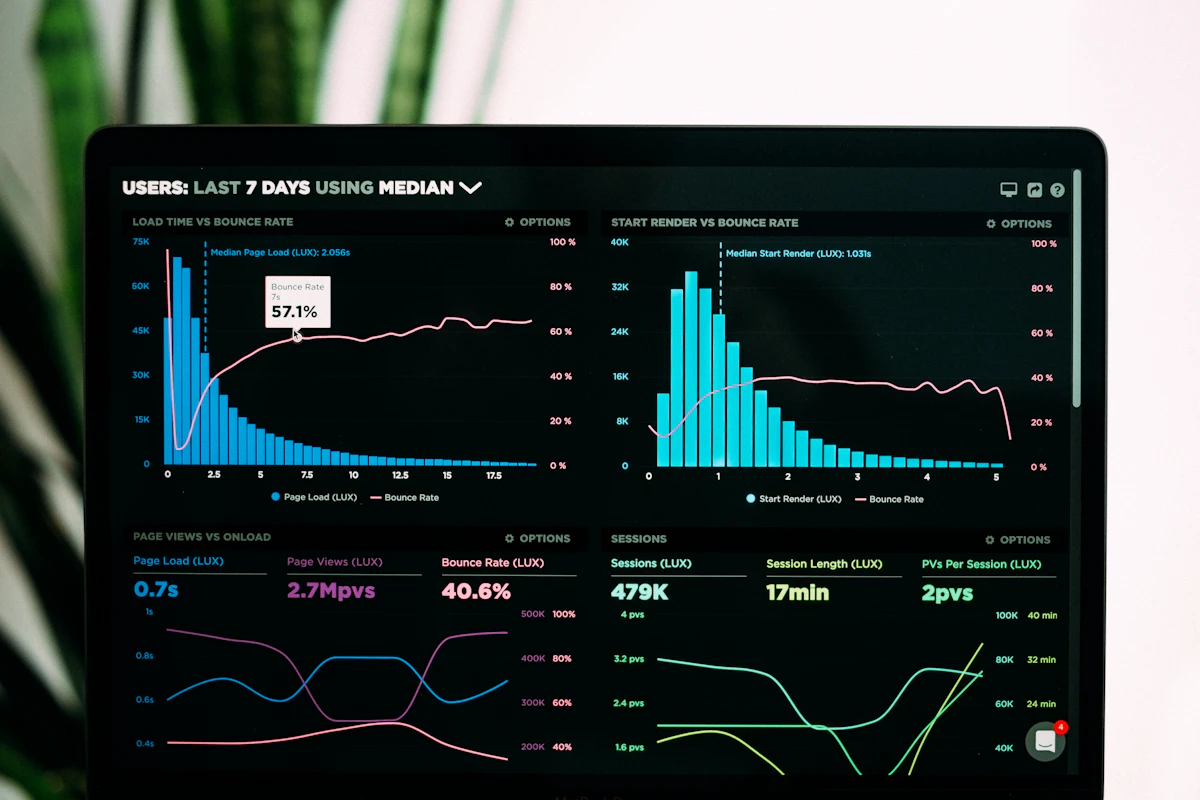
The most common sentence we hear from e-commerce owners is not „I don't know how to launch a campaign" — it's „I don't know whether the campaign actually pays off". Google Ads shows one number of conversions, GA4 shows another, and at the end of the month the bank statement shows a third. The problem is almost never the campaign. The problem is measurement.
Google Analytics 4 (GA4) has been the only version since July 2023 — Universal Analytics is shut down. Yet most stores still use it as if it were UA: they look at sessions and bounce rate, not the only thing that matters — revenue by traffic source. This is a practical guide to configuring GA4 so it answers the question „how much does Google Ads really bring me".
01 — Why the Old Way of Measuring No Longer Works
UA was built on sessions. GA4 is built on events. Every interaction — product view, add to cart, purchase — is an event with its own parameters. For e-commerce that means you must send structured ecommerce events, not just pageviews. Without them GA4 sees traffic, but it doesn't see the money.
GA4 without e-commerce events is like a register that counts how many people enter the store, but not how much they spent. Traffic without revenue is vanity, not a metric.
02 — Four Events You Must Send
Google's recommended e-commerce schema has more events, but these four cover 90% of decisions:
| Event | When it fires | Why it matters |
|---|---|---|
| view_item | Opening a product page | Measures per-product interest, feeds remarketing |
| add_to_cart | Adding to cart | Main intent signal; key for abandoned carts |
| begin_checkout | Starting checkout | Shows where in the funnel you lose buyers |
| purchase | Successful purchase | The only event with real revenue (value + items) |
The most important is purchase because it carries value, currency and the items array. Without an accurate value and currency, GA4 and Google Ads cannot calculate ROAS.
// dataLayer push on the thank-you page
dataLayer.push({
  event: "purchase",
  ecommerce: {
    transaction_id: "ORD-10245",
    value: 129.90,
    currency: "EUR",
    items: [
      { item_id: "SKU-1024", item_name: "Wool Coat Camel M",
        price: 129.90, quantity: 1, item_brand: "MAISON" }
    ]
  }
});
03 — Linking GA4 and Google Ads
This is the step that's missing most often. A GA4 conversion means nothing for campaign optimization until you import it into Google Ads as a conversion source:
- In GA4: Admin → Product links → Google Ads links — connect the Ads account.
- Mark
purchaseas a key event (the former „conversion"). - In Google Ads: Goals → Conversions → Import → GA4 and import the key event.
- Disable duplicate conversions — if you have both a Google Ads tag and a GA4 import for the same purchase, you'll double-count and ROAS will be falsely high.
After this, Smart Bidding (Maximize conversion value / Target ROAS) learns from your actual revenue, not from click counts.
04 — Most Common Mistakes We See in Audits
- Hardcoded
value. Every purchase sends the same value (e.g. 1) because the developer never wired the real cart total. ROAS becomes meaningless. - Wrong currency or none. Without
currency, GA4 assumes the account currency — often USD — so revenue is shown 100× wrong. - Double counting. A Google Ads conversion tag and a GA4 import firing together without deduplication.
- Cross-domain not configured. If checkout runs on a subdomain or external payment gateway, without cross-domain measurement the referral becomes „payment-provider" and Google Ads loses attribution.
- Self-referral from your own site due to redirects — it breaks the traffic source.
05 — What to Do This Week
Open GA4 → Reports → Monetization → Ecommerce purchases. If it's empty or the numbers don't match your register — measurement is broken and every budget decision is made blind. Fix order by impact: purchase event with correct value/currency → Ads import → deduplication → cross-domain.
It's the same principle as with the feed: Google makes decisions based on the data you send it. A bad feed = weaker visibility. Bad measurement = budget spent without control.
Not sure GA4 is measuring correctly?
Alongside the feed audit we check whether your conversions and revenue arrive correctly in GA4 and Google Ads. No commitment, results in 48h.
Follow the blog for the next part: Google Tag Manager setup and how to measure ROAS by channel.
Want this kind of result on your store?
Request a free analysis